
Livraison le jour même ou le lendemain

Qualité garantie

Débloquez vos offres de bienvenue: Livraison GRATUITE | Jusqu'à -80 % | 30 jours d'essai gratuits à JoyPlus
Téléchargez l'application
By our security and smart home experts
Whether you're keeping an eye on your home, checking on a sleeping baby, or making sure your pet isn't getting into trouble, there are many reasons to get an indoor security camera. With an overwhelming number of options on the market, it can be difficult to know where to start. This guide is here to help, providing clear and practical selection criteria to find the 360° indoor security camera that's right for you—all without the unnecessary marketing jargon.
Before diving into our top picks, let's review the key technical points to check to ensure you make the right choice.
Image quality is obviously paramount. A high resolution allows you to clearly distinguish faces or important details.
Modern cameras do more than just record continuously. Thanks to AI motion detection, say goodbye to false alarms: you are only notified when an event truly warrants your attention. Some of the most useful features include:
Many models on the market require a monthly subscription to access all features or cloud video storage. Opting for a subscription-free indoor camera is therefore much more cost-effective in the long run. These models favour local storage on a microSD card. The advantage? You maintain complete control over your data, with no recurring fees.
Here are the models that caught our eye, combining smart features, image quality, and ease of use.
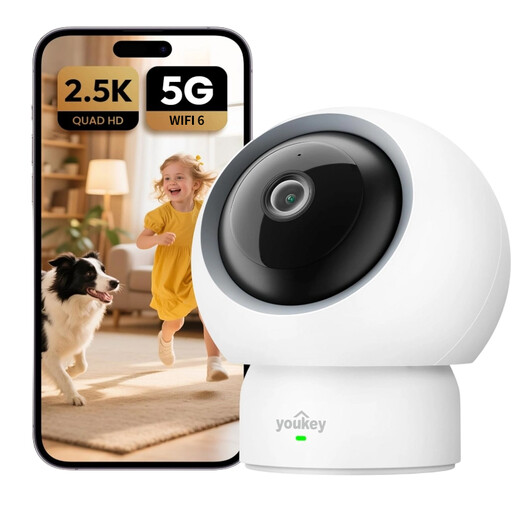
Why This Model Stands Out
The Youkey P310 is a comprehensive solution for monitoring your home. Its 2.5K resolution ensures clear images, while its WiFi 6 compatibility provides a stable and fast connection. Its real standout feature is the baby cry detection, making it an invaluable tool for new parents.
Pros
Who Is It For?
For families with young children or pets who are looking for a versatile and easy-to-use camera without worrying about hidden fees.
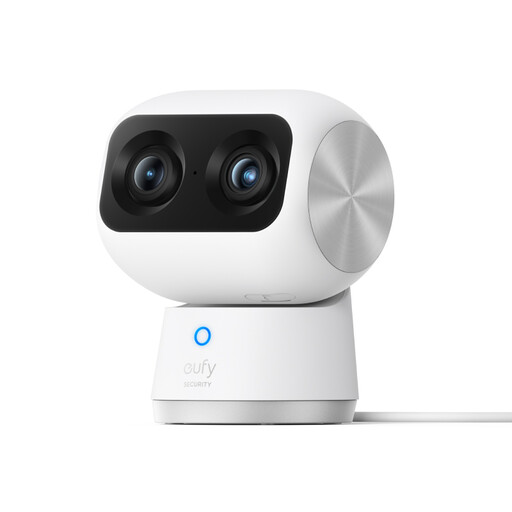
Why This Model Stands Out
This model sets itself apart with its dual-lens system: a 4K wide-angle lens and a 2K telephoto lens. This unique combination enables a powerful 8x hybrid zoom, delivering remarkable image clarity even from a distance. It's a decidedly high-end indoor PTZ camera (Pan-Tilt-Zoom).
Pros
Who Is It For?
For users who demand the highest image quality and need a powerful zoom to monitor large spaces or specific areas with surgical precision.
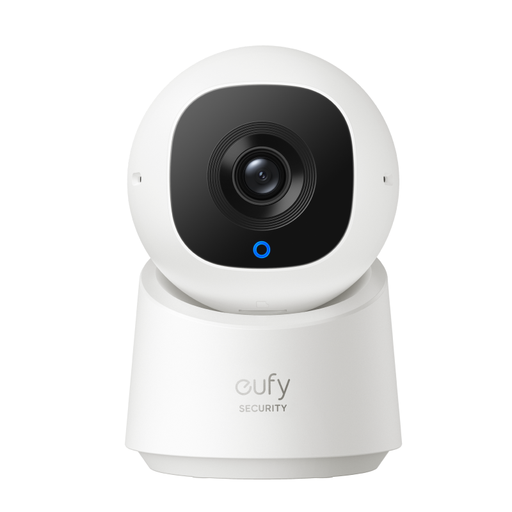
Why This Model Stands Out
The C220 is an indoor WiFi security camera that gets straight to the point, with a very attractive price point. With its 2K resolution, 360° view, and AI detection, it's a great entry point into the world of subscription-free home surveillance.
Pros
Who Is It For?
For those looking for their first reliable and high-performing security camera, offering the best balance of features, quality, and budget.
The security camera market is vast, and every home has unique needs. If these models don't check all your boxes, don't worry: the market is full of other solutions with different designs, features, or form factors.
To explore a wider range of products, we invite you to browse our full category. You'll find models suited for every setup and requirement.
? Explore our full range of remote pan-and-tilt cameras to find the perfect model for you.
The acronym PTZ stands for Pan-Tilt-Zoom. A PTZ camera is motorised and can be controlled remotely via an app to pivot horizontally (Pan), tilt vertically (Tilt), and zoom in on an area. This allows a single device to cover an entire room, which is why they are often called "360° cameras".
Privacy is a major and legitimate concern. Reputable manufacturers implement multiple layers of protection. Prioritise models that offer data encryption (like WPA3 for Wi-Fi) and local storage on a microSD card: this way, you maintain physical control of your recordings. Features like a privacy mode, which physically or digitally obstructs the lens, are also a real bonus for protecting your privacy when you're at home.
No, most current models are designed for setup in minutes, even with no technical knowledge. Generally, the process is as simple as: