
Livraison le jour même ou le lendemain

Qualité garantie

Débloquez vos offres de bienvenue: Livraison GRATUITE | Jusqu'à -80 % | 30 jours d'essai gratuits à JoyPlus
Téléchargez l'application
A baby monitor camera can really make daily life easier and give parents peace of mind, provided you choose a device that suits your home, your connection and your habits. Between WiFi models, monitors with a dedicated screen and pan-tilt baby cameras, the differences go far beyond the number of pixels on the spec sheet.
Some marketing claims also deserve a closer look. Here are the main pitfalls to avoid before making a purchase.
A 2K or 4K resolution alone doesn't guarantee a sharp picture in every situation. The result also depends on the available light, video compression, network stability and the quality of night vision. For a nursery, make sure to check for infrared night vision, the stated range and the zoom capabilities.
A WiFi baby monitor lets you view the video remotely via a mobile app. However, it remains dependent on your home internet connection and the smartphone you're using. If the network goes down, remote access can be interrupted, even if the camera itself continues to work.
For use mainly at home, a non-WiFi baby monitor or one with a dedicated screen can prove simpler and more reliable. Some models combine both solutions: local connection for everyday use and app access when you're out and about.
Cry detection and motion detection can send notifications, but they never replace the attention of an adult. The sensitivity you choose, background noise and the camera's position all have a direct impact on how useful the alerts are. As for automatic tracking, it can point the lens towards movement without understanding what's actually happening.
Also remember to check the app's compatibility with your phone, support for 2.4 GHz or 5 GHz networks, storage options and whether there's a paid cloud service.
A fixed camera is sufficient if the cot never moves. In a larger room, a 360° baby camera that can pan horizontally and tilt vertically will cover more areas. Automatic tracking can be useful when your child starts moving around, but it should be possible to turn it off.
Infrared night vision is essential for keeping an eye on the room in the dark. Check the stated range and look for digital zoom, but don't confuse it with true optical zoom.
Two-way audio lets you speak remotely from the monitor or app. However, the quality of the microphone and speaker matters far more than simply having the feature. For notifications, go for customisable settings: detection zones, sound sensitivity and targeted alerts.
Finally, consider the recording method offered: microSD card, local storage, cloud or no recorded video at all. The memory card isn't always included. For connected devices, use a unique password and install any updates provided by the manufacturer.
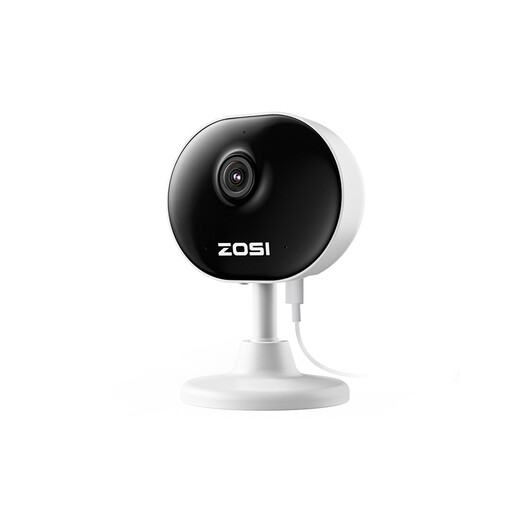
Why this suits this profile: This compact camera is aimed at parents who want to start with a connected solution for a single room, without investing in a separate parent unit.
Motion detection, customisable zones and night vision stated at 33 feet help you avoid relying on overly general settings.
1080P video, two-way audio, app viewing and a compact design weighing 85 g according to the product sheet.
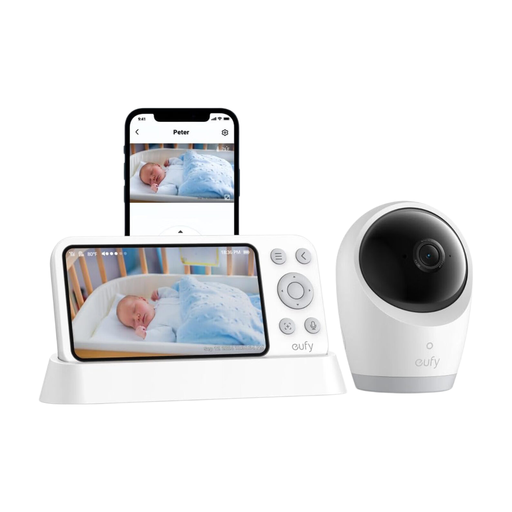
Why this suits this profile: Its 5-inch screen, hybrid operation and 5,000 mAh battery will suit households that want to switch easily between local connection and WiFi.
Switching between WiFi and local connection reduces reliance on the internet. SD card storage also avoids assuming a subscription is necessary.
Stated 4K resolution, parent unit, 330° rotation, 60° tilt and up to 8× zoom according to the product information.
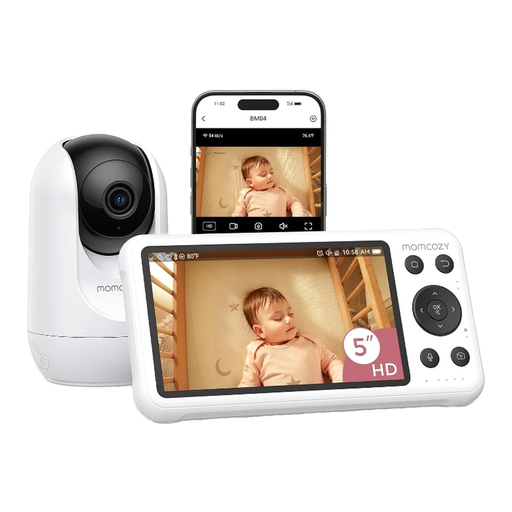
Why this suits this profile: This dual-mode system is aimed at families who want a screen at home while still being able to monitor the baby remotely from a mobile app.
The spec sheet mentions motion and cry detection, plus local recording. These functions should be adjusted according to the room's sound environment.
Dedicated 5-inch screen, 1080P video, two-way audio, app control and stated local storage.
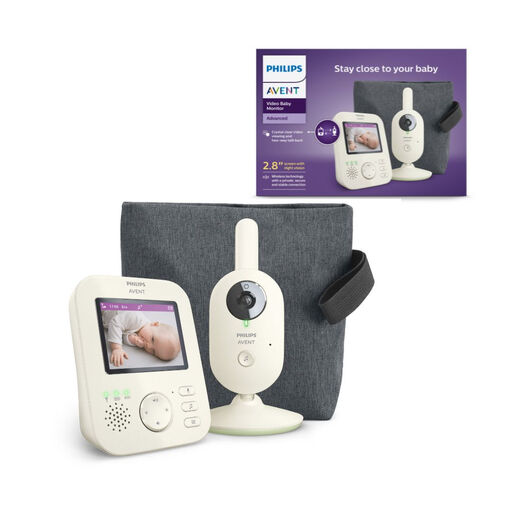
Why this suits this profile: It's aimed at parents who mainly monitor their baby at home and prefer a monitor without an app or WiFi dependency.
The private 2.4 GHz wireless connection avoids creating an online account and is unaffected by fluctuations in your home internet connection.
2.8-inch colour screen, infrared night vision, two-way communication, power-saving mode and stated battery life of up to 12 hours.
We've put together a comprehensive, real-time updated selection of products that meet these demanding criteria, while also taking European safety regulations into account.
Yes. A model with a radio link and a parent unit generally works without an internet connection. This is a particularly suitable solution for monitoring within the home. However, to view the feed from outside, you'll need to choose a WiFi or hybrid model.
Follow the manufacturer's recommendations and install the camera out of the child's reach. Cables should be secured away from the cot and play areas, typically more than one metre away according to the instructions provided with some devices. The camera should also sit on a stable surface or be properly mounted.
The device can be used without ongoing costs when local recording is available. However, some online storage features require a subscription after a trial period. Check this before buying, along with the price of a compatible microSD card and the power consumption of a device that's plugged in permanently.