
Livraison le jour même ou le lendemain

Qualité garantie

Débloquez vos offres de bienvenue: Livraison GRATUITE | Jusqu'à -80 % | 30 jours d'essai gratuits à JoyPlus
Téléchargez l'application
Whether you're a creative, student, or professional, the stylus has transformed the iPad from a simple tablet into a sketchbook, a notepad, and a true digital canvas. The arrival of the Apple Pencil Pro pushes the boundaries even further for owners of the latest iPad models.
So, should you go for the new Apple Pencil Pro?? To help you decide, we've broken down its new features, checked its compatibility, and compared it against its competitors. Our goal is to give you all the information you need to make the right choice.
Before you pull out your credit card for the Apple Pencil Pro, a few checks are in order to ensure the investment is justified for your needs.
This is the essential starting point: compatibility. Each Apple Pencil generation has its preferred iPads, and a quick check will save you from an unpleasant surprise.
The Apple Pencil Pro is exclusively compatible with the latest models. According to Apple, it works with:?
Also, make sure your tablet is running iPadOS 17.5 (or later), which is required to enjoy all the new features.
The Apple Pencil Pro introduces advanced interactions designed primarily for creatives. The real question is: will you actually use them in your daily workflow??
Apple's strength lies in its seamlessly integrated ecosystem, and the Apple Pencil Pro fits in perfectly: magnetic pairing and charging, and most notably, the addition of Find My support to locate that pesky stylus that loves to hide. For those upgrading from an older iPad Pro stylus or iPad Air pencil, the familiar yet enhanced user experience is a major selling point.
To help you choose, here is our selection for every profile and budget, starting with the new flagship of the lineup.
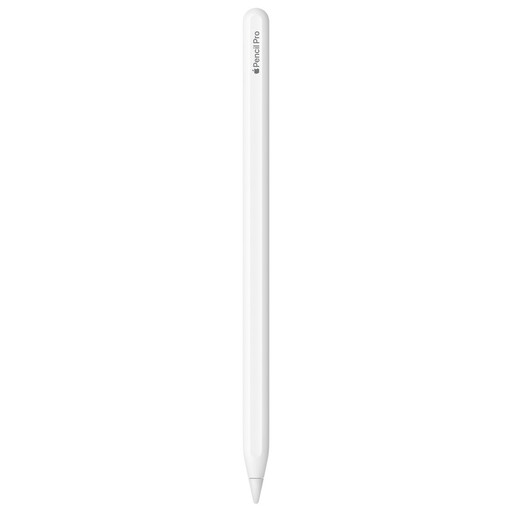
Key Features The Apple Pencil Pro stands out with new interactions that streamline the creative workflow. The squeeze gesture brings up a new tool palette without breaking your flow, while barrel roll lets you change the orientation of brushes and pens with an incredibly natural feel. Haptic feedback provides subtle tactile confirmation, strengthening the connection between the artist and their work. The hover feature, which previews the contact point, is still included for surgical precision.
Pros
Who is it for?? Clearly designed for creative professionals (digital artists, illustrators, designers) and demanding users who want to get the most out of their recent iPad Pro or iPad Air.
See the price of the Apple Pencil Pro
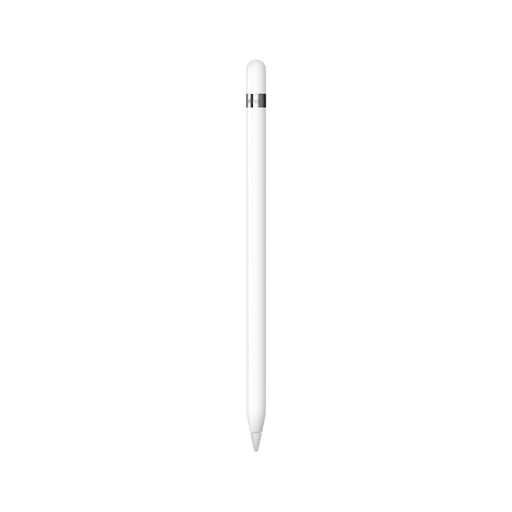
Key Features Even though it's no longer the newest model, the first-generation Apple Pencil remains an excellent choice for many users. It laid the foundation for the precision and low latency that have become Apple's signature. It perfectly handles pressure and tilt sensitivity to vary lines and shading, just like a real pencil. Its main advantage today?? Its very broad compatibility with older iPad models.
Pros
Who is it for?? Perfect for students, heavy note-takers, or amateur artists who own a compatible iPad. It's the gateway to the Apple experience, with the quality and reliability to match, but at a more budget-friendly price point.
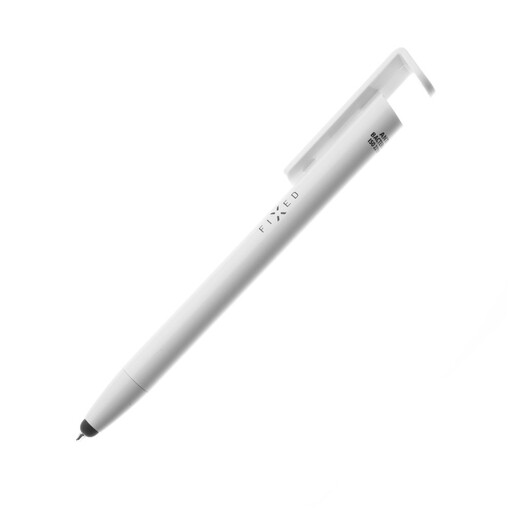
Key Features The FIXED Stylus Pen plays the versatility card with a clever 3-in-1 design. It combines a rubber-tipped stylus (compatible with all touch screens), a real ballpoint pen for paper, and even a stand for your smartphone or tablet. A small hygienic bonus?: its surface has an antibacterial treatment.
Pros
Who is it for?? The Swiss Army knife for those who want a simple, smart tool for navigating, jotting down notes, and juggling multiple devices (tablet, smartphone). It's not in the same league as the Apple Pencils and is aimed at users who don't need pressure sensitivity.
Discover this multifunction stylus
The world of tablet styluses doesn't end here. There are a multitude of solutions for every use case and budget. If our selection doesn't check all your boxes, feel free to explore other avenues.
Explore our technical pens category
1. What is the exact compatibility of the Apple Pencil Pro?? The Apple Pencil Pro works exclusively with the latest iPads: iPad Pro with M4 chip (or later), iPad Air with M2 chip (or later), and iPad mini with A17 Pro chip (or later). It also requires iPadOS 17.5 or newer.
2. What are the differences between the Apple Pencil Pro and the Apple Pencil (2nd generation)?? The Apple Pencil Pro adds several major features compared to the 2nd generation:?