
Livraison le jour même ou le lendemain

Qualité garantie

Débloquez vos offres de bienvenue: Livraison GRATUITE | Jusqu'à -80 % | 30 jours d'essai gratuits à JoyPlus
Téléchargez l'application
Choosing the right Apple Pencil for your iPad can be a challenge. Between the Apple Pencil Pro, the USB-C model, and the 1st generation, features, compatibility, and prices can vary dramatically. This guide is here to break down the lineup and help you make the right choice—one that perfectly matches your needs and your iPad model, whether it's an iPad Pro, iPad Air, or iPad mini.
Before you buy an Apple Pencil, two essential criteria should guide your decision: compatibility with your tablet and the features you'll actually use.
This is the essential first step before any purchase. Each Apple Pencil generation is designed to work with specific iPad models. A mismatch will render your stylus completely unusable.
To identify your iPad model:
Once you've identified your model, simply check the compatibility list on the product page to ensure the stylus will work.
Your daily workflow is the second key criterion, as it determines which features will be truly useful to you.
Let's review the strengths and weaknesses of each model to help you see things more clearly.
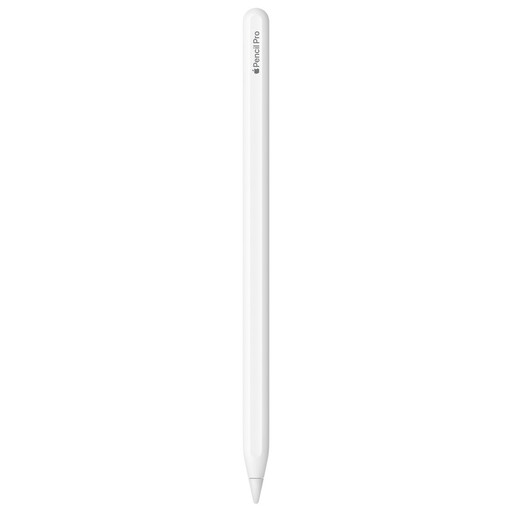
Why it stands out: This is the ultimate Apple stylus, designed for the most demanding users. It introduces advanced gestures like a squeeze to bring up a tool palette, barrel roll to orient a brush tip, and haptic feedback that confirms every action with a micro-vibration. Compatibility with the Find My feature is also a lifesaver for the forgetful.
Highlights:
Who is it for? Artists, illustrators, designers—in short, all creatives on a recent iPad Pro or iPad Air who demand a tool that matches their talent, offering absolute precision and control.
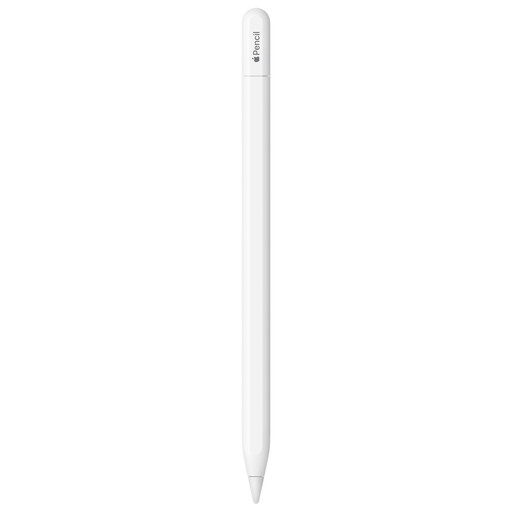
Why it stands out: It's the happy medium, striking the perfect balance between features and price. It uses USB-C for pairing and charging, a convenient standard for owners of recent iPads. While it forgoes pressure sensitivity, it retains tilt control and the hover feature (on compatible models), which is more than enough for most daily tasks.
Highlights:
Who is it for? Students, professionals on the go, and anyone looking for a responsive stylus for note-taking, sketching, and annotating documents on an iPad with a USB-C port.
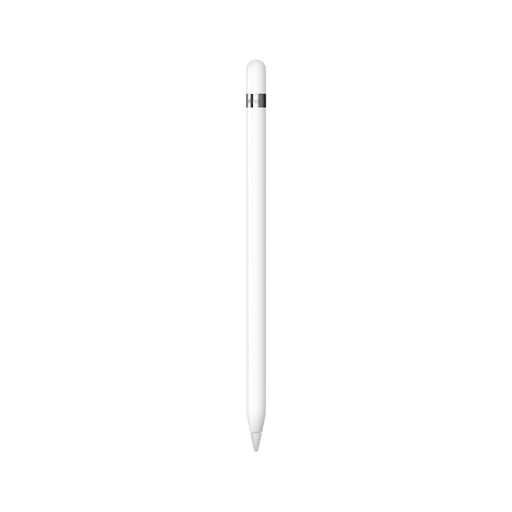
Why it stands out: The Apple Pencil 1st generation remains a reliable choice for owners of many iPad models, including older ones. It pioneered the natural writing and drawing experience on the iPad, with pressure and tilt sensitivity that continues to be a favorite among artists today.
Highlights:
Who is it for? Owners of a compatible iPad with a Lightning port (or a 10th-generation iPad) who want a high-performance stylus for drawing and writing, without necessarily chasing the very latest innovations.
If the Apple Pencils don't meet your needs or budget, other avenues exist. Our wider collection of styluses might just hold the hidden gem you're looking for, with models suited for every use case.
Explore our Easy Drawing Stylus category
The first step should always be to identify your exact iPad model in Settings > General > About, then check the "Compatibility" section on the product page for the stylus you're interested in. Apple consistently updates these lists.
The price of an Apple Pencil may seem high, but it's justified by its seamless integration with iPadOS, near-zero latency, and exclusive features. For those whose work or passion depends on the precision of their stroke, the investment quickly pays for itself. For simpler needs or tighter budgets, many highly functional alternatives exist on the market.