
Livraison le jour même ou le lendemain

Qualité garantie

Débloquez vos offres de bienvenue: Livraison GRATUITE | Jusqu'à -80 % | 30 jours d'essai gratuits à JoyPlus
Téléchargez l'application
Keeping printed photos lets you tell the story of a wedding, a birth, a trip or a family history without relying solely on a screen. But buying an adhesive photo album can sometimes bring unpleasant surprises: pages that are too small, a protective film that’s difficult to reposition, or a cover that isn’t well suited to regular browsing.
Before choosing a self-adhesive page photo album, take the time to check its design, size and how it works. Here are the main criteria to examine so you can compare the available models with full confidence.
A 20-page photo album doesn’t necessarily hold the same number of shots, depending on the model. Capacity depends on the photo size, the space left between them, and whether you can create collages. Two 10 × 15 cm photos take up more room than a composition mixing smaller prints and captions.
So the “20 pages” claim needs to be considered alongside the album’s dimensions and the stated capacity. For a large project, also allow space for annotations, cards, tickets or decorative elements.
A pretty cover doesn’t guarantee good everyday durability. An album that’s browsed by the family or left on a coffee table needs to have a hard cover and a sturdy enough binding. On the other hand, a very decorative but fragile model may prove less practical in use.
Fabric finishes, colours like black, blue or green, and gold lettering are really a matter of personal taste. Always check the material specifications listed on the product page.
In an adhesive photo album, the transparent film plays an essential role. It holds the photos against the page while protecting them from dust and scratches. However, it doesn’t make the album waterproof and won’t protect against the effects of humidity or direct sunlight.
A repositionable film makes it easier to change your layout, but lift it carefully to avoid bending the photos or damaging their surface.
The 32.5 × 33 cm format offers generous space for creating elaborate pages, while a 23.5 × 27 cm model fits more easily on a bookshelf. If you use standard prints, check their compatibility with the 10 × 15 cm format.
Want to mix portraits, square photos and small paper keepsakes? Go for a page that’s wide enough. You’ll be able to arrange several sizes without it looking cluttered.
A self-adhesive page is covered with an adhesive surface protected by a transparent film. Setting it up is usually very simple:
Before fixing your layout permanently, place the photos on the page to check the spacing. For shots you’re particularly fond of, photo corners or removable stickers can offer extra security, depending on the model you choose.
When mentioned on the product page, polypropylene is typically used for films or protective pages. A hard cover and sturdy binding also help preserve the album when it’s browsed regularly.
To limit fading, store it in a dry place away from sunlight. Also avoid very humid rooms, like a bathroom or poorly ventilated basement. To clean the cover, simply use a soft, dry cloth without any abrasive products.
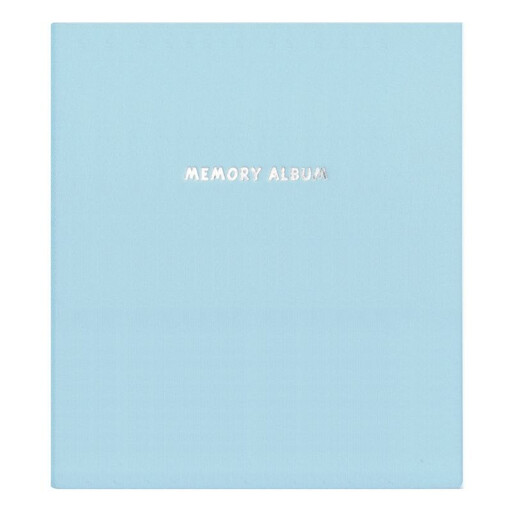
Why this choice suits this profile: its mid-size format is ideal for a first family album, a travel journal or a selection of 10 × 15 cm photos, without taking up too much space.
The page lists 20 self-adhesive pages, a transparent film and a capacity of up to 80 10 × 15 cm photos, depending on the layout.
Hard cover, green colour, customisable pages and built-in transparent protective film.
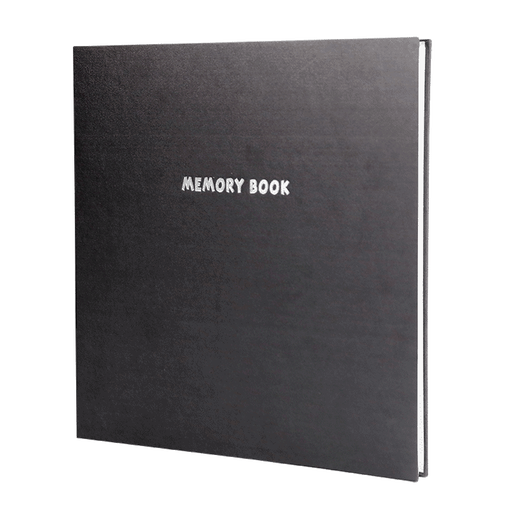
Why this choice suits this profile: its large format is ideal for a wedding, birth or travel album designed as a beautiful keepsake to treasure and browse through.
The stated dimensions let you assess the available space before buying, while the film protects your layouts from dust and scratches.
Large creative surface, hard black fabric cover and the ability to combine photos of different sizes, captions and collages.
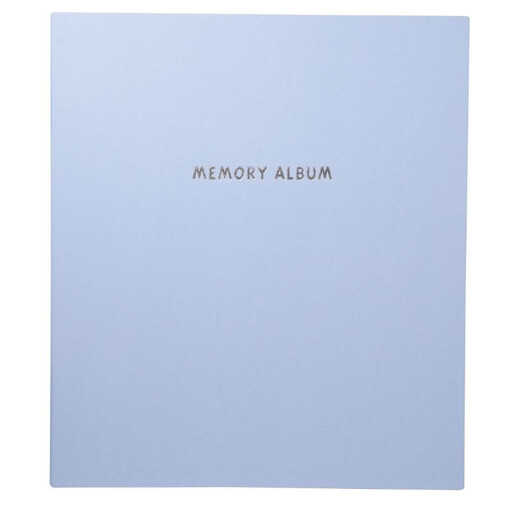
Why this choice suits this profile: it’s ideal for families and collage enthusiasts who want to regularly organise their photos, captions and paper keepsakes.
The self-adhesive system means you don’t need to buy extra glue, while the film can be carefully lifted to change the arrangement.
23.5 × 27 cm format, hard blue cover, 20 pages and a stated capacity of up to 80 10 × 15 cm photos, depending on the layout.
We’ve put together a comprehensive, real-time updated list of products that fully meet these strict selection criteria and European safety regulations.
Start by sorting your photos by event or time period. Place the largest images first, then fill in with smaller sizes. Leave a margin around the shots so the adhesive film can close properly.
To personalise a customisable photo album, add captions on labels, tickets, cards or decorative paper. Scrapbooking cutting tools can be used to create borders and shapes, as long as you check they’re suitable for the paper you’re using and handle them with care.
Slowly lift the transparent film from one corner, then gradually peel the photo away. Avoid sudden movements and don’t use a metal object, which could scratch the page or the print.
Capacity varies depending on the page size and layout. Some models in this selection can hold up to 80 10 × 15 cm photos. A composition with large images and decorative elements will naturally hold fewer.
The transparent film limits exposure to dust and scratches. However, it doesn’t replace storing the album away from humidity and direct sunlight – two factors that can damage photos over time.