
Livraison le jour même ou le lendemain

Qualité garantie

Débloquez vos offres de bienvenue: Livraison GRATUITE | Jusqu'à -80 % | 30 jours d'essai gratuits à JoyPlus
Téléchargez l'application
Dreaming of turning your living room into a cinema with a 100-inch-plus screen, but put off by the thought of a giant TV and a complex setup?? Rest assured, you're not alone. More and more of you are looking for a flexible solution to enjoy your films, series, and video games on the big screen. This is where the modern 4K WiFi Bluetooth projector comes in—the ideal solution: an XXL picture, wireless connectivity, and an incredibly simple setup.
This guide is here to break down the essential criteria to consider before you buy and to present a selection of models that stand out for their performance and ease of use.
The projector market has undergone a true revolution. To make the right choice, it's best to focus on the technical features that really make a difference in daily use.
Image quality is, above all, a power couple: resolution and brightness.
Say goodbye to cable clutter?! A good smart mini-projector should be self-sufficient.
No more endless manual adjustments?! Today's smart features make setup nearly instantaneous.
To help you see things more clearly, we've selected three models that cater to different needs and budgets. Their common ground?? An excellent balance of performance, connectivity, and simplicity.
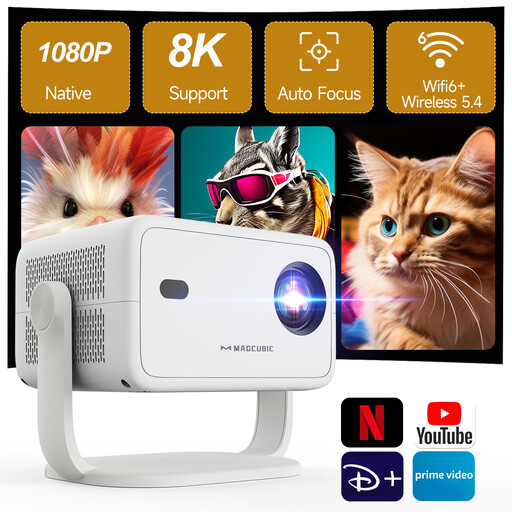
View the Magcubic L018 Smart Projector
Why it stands out?: The Magcubic L018 is an excellent entry point into the world of smart home cinema. It combines a native Full HD resolution with all the automatic features that make life easier.
Key features?:
Who is it for?? Ideal for families and anyone who wants a high-performance, ready-to-use "all-in-one" solution for living room movie nights, without the hassle of adjustments.
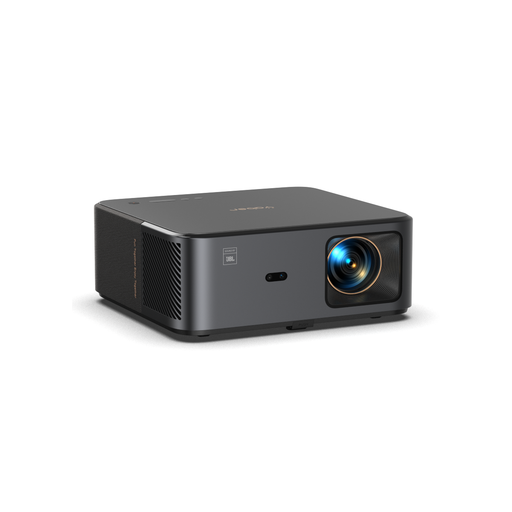
Why it stands out?: The Yaber K2s goes all-in on an immersive audiovisual experience. With its JBL speakers and Dolby Audio compatibility, it's a solution where the sound is as refined as the image.
Key features?:
Who is it for?? The perfect choice for cinephiles and tech enthusiasts who demand quality sound without the clutter of an external audio system. Its brightness and connectivity make it a champion of versatility, equally at home in the living room or for an outdoor projection after dark.
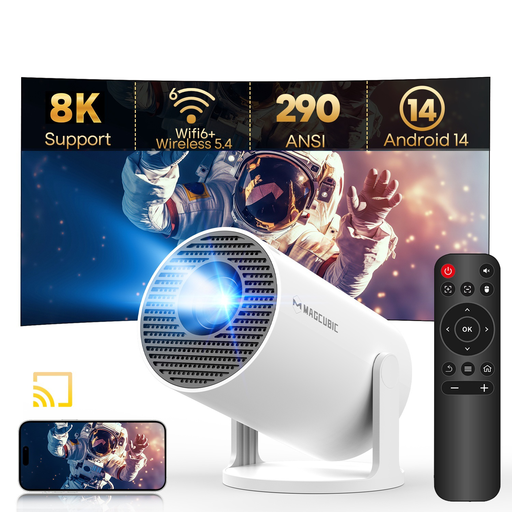
View the Magcubic HY300Pro Smart Projector
Why it stands out?: This portable projector shines with its compactness and versatility. Its 180° rotating stand is a brilliant feature for projecting wherever you want: on the wall, or even the ceiling.
Key features?:
Who is it for?? The perfect companion for those looking for a secondary projector for the bedroom, to pack in a suitcase for holidays, or for impromptu movie nights. Simplicity and flexibility are its key strengths.
Our selection focuses on home entertainment. If you have more specific needs (business presentations, fixed installations, competitive gaming...), other models will be more suitable.
? Explore our full range of business and home cinema projectors
1. What is the difference between a 4K projector and a "4K supported" projector?? A "native 4K" projector has a display chip with 8.3 million pixels (3840x2160), offering maximum detail. A "4K supported" (or 4K compatible) model has a lower native resolution (often 1080p) but can receive a 4K signal and downscale it for display. The result?? A sharper image than with a 1080p signal, but naturally less detailed than true native 4K.
2. Can you watch Netflix directly on a WiFi projector?? Yes, provided the projector has a smart operating system (like Android TV or Google TV) that gives access to the Google Play Store. For the best experience, it is highly recommended to choose a Netflix-certified model, like the Yaber K2s. This ensures smooth, high-definition playback, hassle-free.
3. How many ANSI lumens are needed for a home cinema projector?? In a dedicated, completely dark room, 300 to 500 ANSI lumens can be sufficient. For a living room with controlled ambient light, aim for 500 to 1000 ANSI lumens to maintain vibrant colours and good contrast.