
Livraison le jour même ou le lendemain

Qualité garantie

Débloquez vos offres de bienvenue: Livraison GRATUITE | Jusqu'à -80 % | 30 jours d'essai gratuits à JoyPlus
Téléchargez l'application
Choosing a new 4K Smart TV can quickly become a headache. Between the technical jargon, confusingly named technologies, and marketing promises, it's easy to feel lost or regret your purchase. Our mission?: to help you see things more clearly and identify the criteria that truly matter to you, without being swayed by marketing hype.
Before we dive into our top picks, let's break down the 3 most common pitfalls that can cost you dearly?:
To avoid falling into these traps, focus on three features that will make all the difference in your daily use.
This is the heart of the TV, what creates the image. Understanding the difference is therefore crucial.
As mentioned earlier, don't be fooled by marketing metrics. The only number that matters is the panel's native refresh rate, expressed in Hertz (Hz).
Choosing the right screen size isn't just a matter of preference; it's also about viewing comfort. A screen that's too large for a small space can cause eye strain.
Rather than a simple list of specs, here are TVs tailored to specific profiles to help you find the perfect fit.
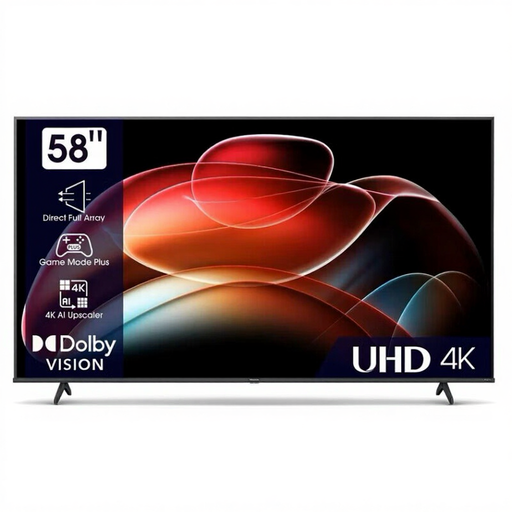
Why we recommend it : This model offers a large 58-inch 4K screen with all the essential smart features, all on a tight budget. It's perfect for daily family use, from streaming to watching regular channels.
It doesn't promise the moon. Its panel is a native 60 Hz, a clearly stated feature that is more than sufficient for standard viewing. Its VIDAA OS is functional and provides access to major streaming apps without the extra cost of a more complex platform.
Excellent screen size-to-price ratio. Dolby Vision compatibility for an optimised picture on supported content.
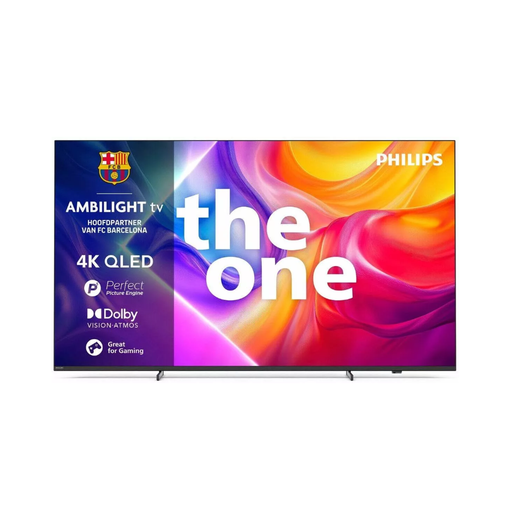
Why we recommend it : This TV is built for next-generation gaming. Its large QLED panel is complemented by the immersive Ambilight technology, which projects the screen's colours onto the wall behind it for a captivating experience.
It clears up any confusion about "Hz" by featuring a native 144 Hz refresh rate. It's equipped with 4 HDMI 2.1 ports, ensuring full compatibility with modern console features (VRR, ALLM, 4K@120/144 Hz).
Absolute smoothness for gaming and sports. Unique Ambilight technology for enhanced visual immersion.
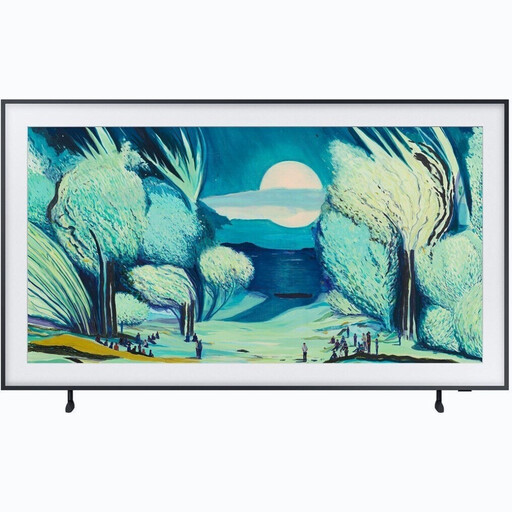
Why we recommend it : The The Frame TV is much more than a screen : it's a decorative piece in its own right. Designed to look like a painting, it displays works of art when in standby mode, thanks to its matte, anti-reflection screen and customisable frame.
It solves the age-old problem of the "big black rectangle" that can spoil a living room's aesthetic. Its added value is its seamless design integration, a promise delivered thanks to the external One Connect box that centralises all connections and its included slim-fit wall mount.
Chameleon-like design and perfect integration with your decor. Matte, anti-reflection screen that mimics a canvas.
Discover our full selection of televisions that meet our selection criteria and current standards.
The lifespan of a panel (LED, QLED, OLED) is generally estimated to be over 7 years with normal use. However, the real limiting factor is increasingly software obsolescence. A TV equipped with a popular operating system like Google TV is more likely to receive security and app compatibility updates over the long term.
It all depends on your usage. For a gamer with a PS5 or Xbox Series X console, the difference in smoothness is striking, and the investment is fully justified. For sports fans, it can help reduce motion blur during fast-paced action. However, for watching films and series, a 60?Hz panel is perfectly fine: the difference will be imperceptible to most people.
The number one criterion is your viewing distance. For an immersive experience without eye strain, a good rule of thumb is to sit at a distance of about 1.2 times the screen's diagonal. For example, for a 65-inch TV (164?cm), a distance of about 2 metres (6.5 ft) is ideal. For a 55-inch TV (139?cm), aim for 1.70 metres (5.6 ft). Measure your living room before you decide.