
Livraison le jour même ou le lendemain

Qualité garantie

Débloquez vos offres de bienvenue: Livraison GRATUITE | Jusqu'à -80 % | 30 jours d'essai gratuits à JoyPlus
Téléchargez l'application
Choosing a new television can quickly become a daunting task. Between technical acronyms (UHD, HDR, MEMC) and the jungle of operating systems, it's easy to feel lost. The challenge? Finding that hidden gem: a TV that offers a beautiful picture, a simple interface for the whole family, and all without having to decipher incomprehensible marketing jargon.
This guide is here to help you see things more clearly. Together, we'll break down the essential features of a good 4K Google TV and present a selection of models that cater to real-world uses, from family movie nights to weekend series marathons.
Before diving into our selection, let's review the key points to ensure you make the right choice.
Screen size is often the first consideration, but it should primarily be suited to your room and viewing distance.
Beyond the 4K UHD resolution (3840 x 2160 pixels), which ensures a sharp and detailed picture, other technologies are worth looking out for:
A modern 4K Smart TV must be responsive and easy to use. This is where Google TV stands out, with its interface that centralizes all your content (movies, series, live TV) from your various apps. Its main advantages:
Here is our selection from the METZ 4K TV brand, featuring models that check all the boxes for different uses and budgets.
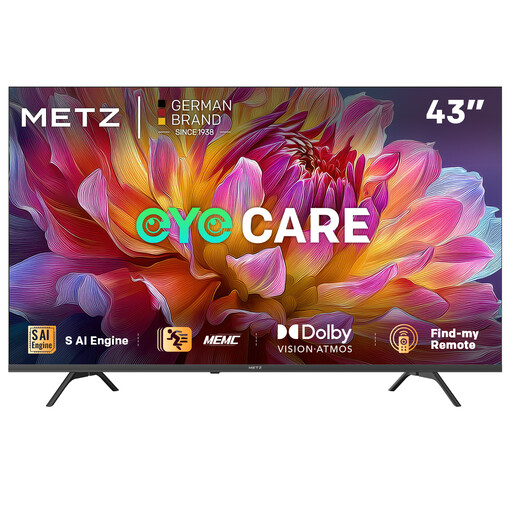
What sets it apart: It's a powerhouse of technology in a versatile format. It includes eye comfort features often reserved for larger models, making it an excellent choice for those seeking versatility.
Key Features:
Who is it for? Ideal for students, couples, or as a second TV in a bedroom or office. Its compact size and eye protection features make it the perfect companion for smaller spaces and daily use.
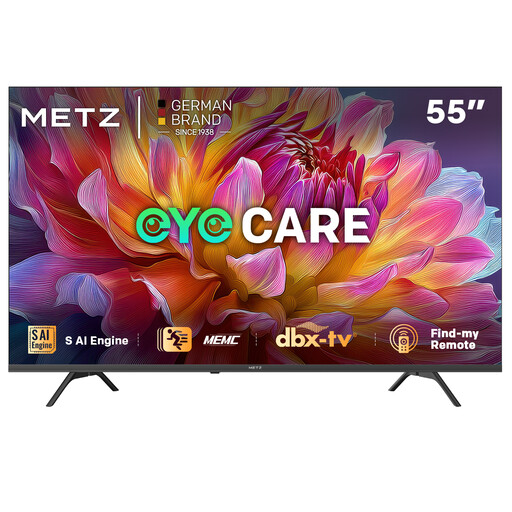
What sets it apart: This 55-inch model strikes the ideal balance. It offers an immersive screen size for a standard living room without skimping on premium features like motion compensation.
Key Features:
Who is it for? This is the quintessential family TV. Its size is suitable for most living rooms, and features like the kids profile and eye protection will give parents peace of mind. Sports and action movie fans will appreciate the smoothness provided by the MEMC technology.
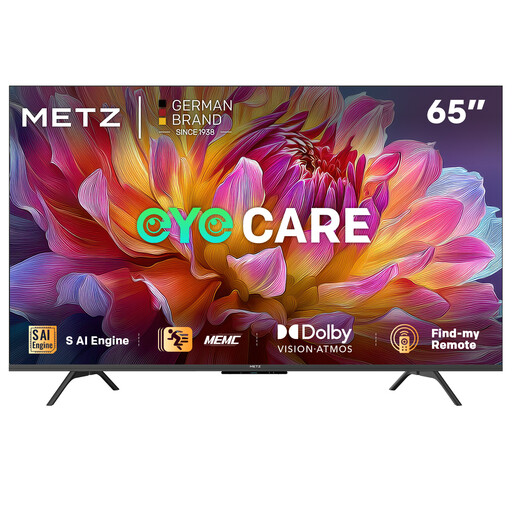
What sets it apart: With its large 65-inch screen, this model is designed for those who want to recreate a true cinema atmosphere at home. It maximizes the visual impact of 4K and Dolby technologies, turning every movie into an event.
Key Features:
Who is it for? Aimed at cinema and series enthusiasts with a large living room. If you want your TV to be the centerpiece of your setup and have the necessary viewing distance to appreciate such a large screen, this model is for you.
The televisions presented here offer an excellent price-to-feature ratio. If you're interested in the latest screen innovations, Micro LED technology represents a significant step forward in terms of contrast and brightness. To learn more, take a look at our selection of Micro LED Televisions.
1. What is the difference between a classic Smart TV and a Google TV? A "classic" Smart TV has its own operating system with an app store. Google TV, which is built on Android TV, goes a step further: its interface unifies content from all your apps (Netflix, Disney+, YouTube, etc.) onto a single home screen. It then offers you tailored recommendations, making the discovery of new shows much simpler and more intuitive.
2. Is 4K resolution really useful on a 43-inch screen? Yes, even on a 43-inch screen, 4K resolution (four times the pixels of Full HD) provides a visible improvement in sharpness and detail, especially if you are sitting relatively close to the screen. Moreover, most recent content is now produced in 4K, ensuring you enjoy the best possible picture quality.
3. What do Dolby Vision and Dolby Atmos actually bring to the table?Dolby Vision is an image technology that optimises brightness, contrast, and colours frame-by-frame for a result that is more faithful to the director's vision. Dolby Atmos is a sound technology that treats sounds as objects that can be placed and moved in a 3D space, including above you. Their combination creates a much more immersive and striking audiovisual experience.