
Livraison le jour même ou le lendemain

Qualité garantie

Débloquez vos offres de bienvenue: Livraison GRATUITE | Jusqu'à -80 % | 30 jours d'essai gratuits à JoyPlus
Téléchargez l'application
Owning a 3D printer unlocks a universe of creativity. However, the quality of your prints depends as much on your machine as it does on the 3D printer accessories you use. Between filament that snaps and finishes that are subpar, it's easy to waste time and money. As a product manager at Joybuy, my mission is to guide you through this jungle of options to make the right choices and put an end to disappointment.
Before you rush out to buy new 3D printer consumables, it's best to know the mistakes that cost makers dearly, whether they're beginners or experts.
To avoid these pitfalls, two points are crucial: material quality and post-processing tools.
For the majority of projects, 1.75 mm PETG filament is an excellent compromise. It combines the ease of printing of PLA with superior mechanical and thermal resistance, similar to ABS, but without the noxious fumes or pronounced warping.
When making your selection, keep an eye on these points:
Once you have the right filament, you need to preserve it and perfect the printed object.
Here are a few products that meet specific needs, selected based on strict criteria for quality and performance.
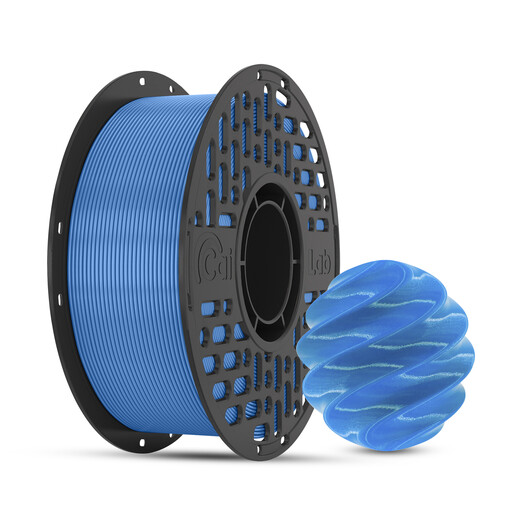
Why we chose it: Perfect for creating functional parts and prototypes. This PETG filament offers the best of both worlds: the toughness of ABS and the simplicity of PLA, making it ideal for a wide range of projects without the constraints of more technical materials.
It counters the "low-cost" filament trap by guaranteeing rigorous dimensional accuracy (a consistent 1.75 mm diameter), which prevents clogs and ensures reliable extrusion.
Low warping: Drastically reduces print failures on large parts. Chemical resistance: Suitable for objects that come into contact with oils or household products.
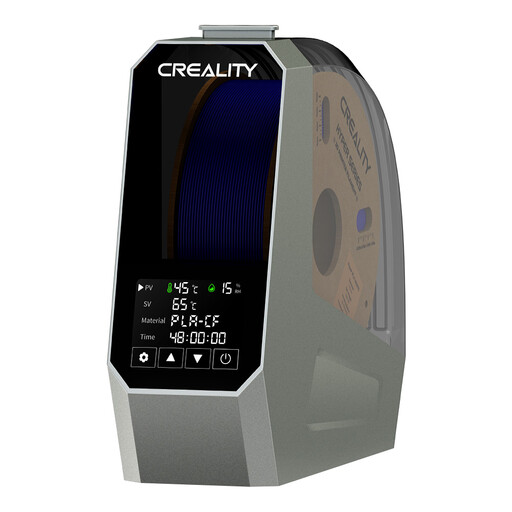
Why we chose it: For anyone tired of failed prints due to moisture and who wants to get the most out of their filaments, especially tricky ones like PETG, nylon, or TPU.
It tackles the moisture menace head-on. Instead of throwing out a spool that's been exposed to air, this dryer restores its properties, preventing *stringing*, crackling, and brittleness.
360° PTC heating: Ensures uniform and rapid drying of the entire spool. Broad compatibility: Accepts 1.75 mm and 2.85 mm filaments, covering the majority of FDM printers on the market.
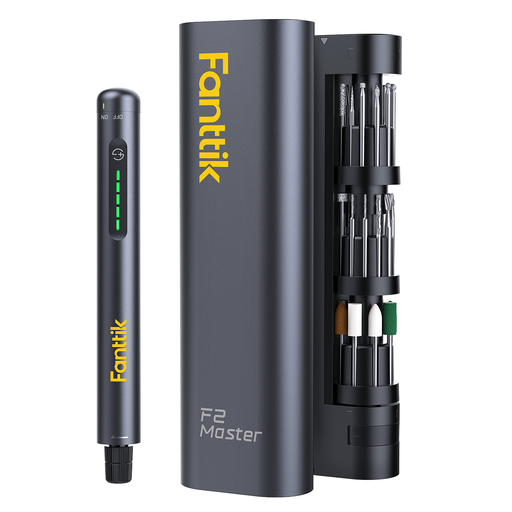
Why we chose it: For those who demand a professional-grade result. This tool is designed for precision sanding, deburring, and polishing, transforming a raw object into a collector's piece.
It ends the frustration of using unsuitable manual tools (sandpaper, utility knives) that risk damaging the part. Its precision and variable speed offer complete control over the finish.
Lightweight and cordless: Weighing only 100 g, it offers exceptional manoeuvrability for fine details. Complete kit: Comes with 35 accessories for sanding, polishing, engraving, and drilling.
Discover our complete selection of tested and approved products that meet the strictest standards and are ready to boost your creations.
The tell-tale sign is a crackling or popping sound coming from the nozzle during printing. This is the characteristic sound of water vaporising as it hits the hot nozzle. Visually, the print will have a rough surface, numerous imperfections, and excessive stringing.
PETG is often seen as the logical next step after PLA. It requires higher temperatures for the nozzle (around 230-250°C) and the bed (70-85°C). The main challenge is dialling in the retraction settings to limit stringing. But once you master these parameters on your printer, it prints with great reliability and offers much better layer adhesion than PLA.
To get started, a basic kit should include: a pair of precision flush cutters for removing supports, a set of files or sandpaper (various grits) for sanding, and a deburring tool for clean edges. To take it a step further, a rotary tool for 3D finishing like the ones featured above quickly becomes a valuable ally for saving time and achieving a higher quality finish.