
Livraison le jour même ou le lendemain

Qualité garantie

Débloquez vos offres de bienvenue: Livraison GRATUITE | Jusqu'à -80 % | 30 jours d'essai gratuits à JoyPlus
Téléchargez l'application
By the Joybuy expert teamPublished July 21, 2026
Does the "Storage space running out" notification look familiar? Whether on your smartphone, games console, or camera, this alert is a nightmare for many users. The 256GB microSD card often represents the sweet spot between capacity and price. But when faced with a jungle of different models and technical acronyms, how do you make the right choice?
This guide is here to help you see things more clearly. Our mission: to decode the marketing jargon for you and help you find THE memory card that's perfectly suited to your devices and your needs.
Before diving into our top picks, let's review the key points that will make all the difference in avoiding a bad purchase.
A 256GB capacity is versatile and sufficient for most uses: apps, high-resolution photos, and several hours of video. However, if you're a passionate videographer who regularly records in 4K, or a dedicated gamer with a large library of titles, a 512GB memory card could be a more future-proof investment that saves you from having to juggle multiple cards.
Far from being mere decoration, the symbols etched onto the cards indicate essential performance levels.
A card marked U3 V30 microSDXC is therefore a safe bet for creating high-definition video content.
Not all cards are created equal. A memory card for a security camera or a dashcam, which records and rewrites data in a 24/7 loop, requires rock-solid endurance. These cards, often labelled "High Endurance," are designed to withstand extreme write cycles and harsh temperature conditions, ensuring their longevity.
We've selected three models that stand out for their performance and their suitability for specific use cases.
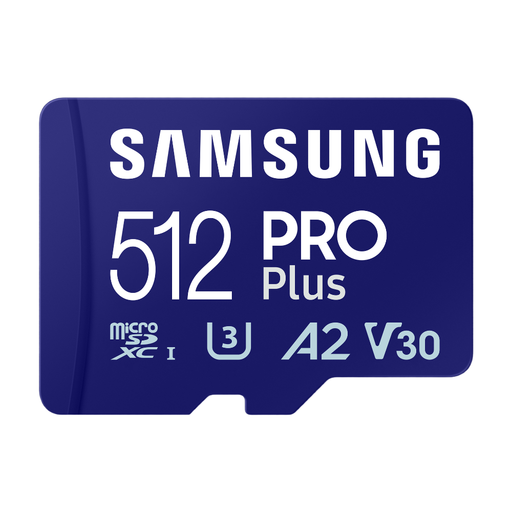
Why it stands out The Samsung Pro Plus microSD is the Swiss Army knife of performance. With its high speeds and large capacity, it meets the demands of content creators and users of high-end devices.
Key features
Who is it for? Ideal for photographers and videographers using drones or action cameras, as well as for Android smartphone users who want to boost their storage without compromising on speed.
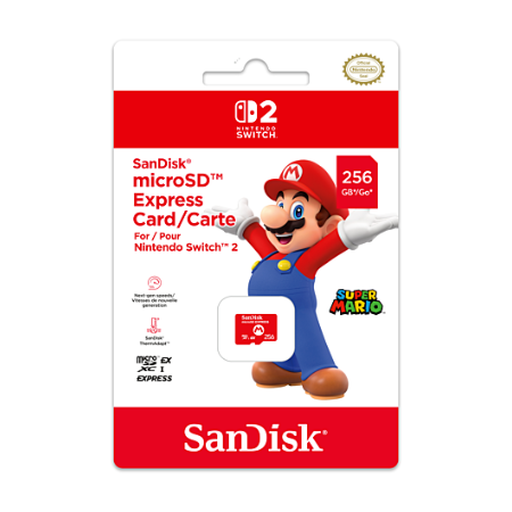
Why it stands out This SanDisk microSD is designed for the Nintendo Switch 2. It leverages the new microSD Express technology to deliver speeds far superior to traditional cards, resulting in significantly reduced in-game loading times.
Key features
Who is it for? The obvious choice for Nintendo Switch owners (and future models) who want to put an end to loading screens and store their entire game library without a second thought.
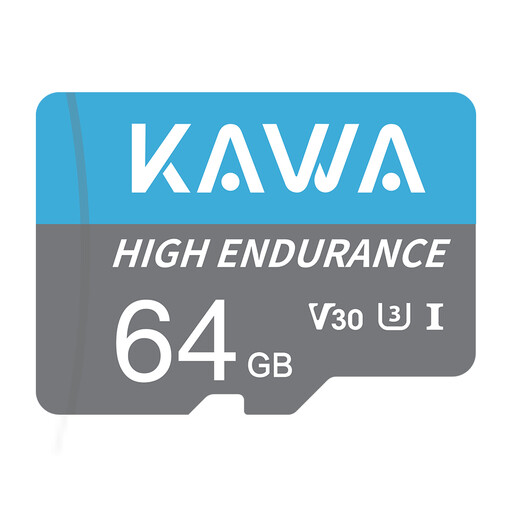
Why it stands out The KAWA card meets a niche but crucial need: endurance for continuous recording. Its "High Endurance" design makes it ideal for operating in harsh conditions and withstanding thousands of hours of writing.
Key features
Who is it for? Essential for anyone using a security camera, dashcam, or any other device that records continuously and for whom reliability is non-negotiable.
Do the models presented not quite fit your needs? Are you looking for the pinnacle of performance? Explore our full selection to discover cards with even more impressive speeds.
? Explore our range of the fastest microSD cards
1. What's the difference between microSDHC and microSDXC? The main difference is capacity. microSDHC (High Capacity) cards go up to 32GB. microSDXC (Extended Capacity) cards start at 64GB and can go up to 2TB. Most modern devices are microSDXC compatible, but it's always wise to check your device's specifications.
2. Is a U3 card really necessary for a smartphone? It all depends on your usage. For checking emails, browsing the web, and taking standard photos, a U1 card is sufficient. However, if you record 4K videos, use demanding apps, or frequently transfer large files, a U3 (and ideally A2) card will significantly improve the smoothness of your experience and your smartphone's responsiveness.