
Livraison le jour même ou le lendemain

Qualité garantie

Débloquez vos offres de bienvenue: Livraison GRATUITE | Jusqu'à -80 % | 30 jours d'essai gratuits à JoyPlus
Téléchargez l'application
Turning your living room into a movie theatre or projecting a film on your bedroom wall is the dream! But between the bulk of a large TV and the complexity of a traditional projector, the idea can quickly become a hassle. That's where the 1080p Android portable projector comes in?– a flexible, high-performance solution for enjoying a quality, larger-than-life image, anywhere.
In this guide, we'll break down the essential criteria to check before you buy and present our top picks for a modern, hassle-free multimedia experience.
The market is flooded with models featuring sometimes confusing spec sheets. To help you make sense of it all, here are the key points to check to ensure you make the right choice.
This is the number one criterion for a sharp image. Be careful not to confuse supported resolution with native resolution! A projector might accept a 4K signal but display it at a much lower quality. For a true Full HD portable projector experience, insist on a model with a native resolution of 1920?x?1080 pixels. This is the only way to guarantee a detailed and precise image, without the dreaded "pixelated mess," which is essential for a good home cinema projector.
The real appeal of a portable projector is its simplicity. Recent models incorporate technologies that make setup a breeze. Opt for a projector with automatic keystone correction and autofocus. These features adjust the image in seconds for a perfectly rectangular and sharp picture, even if the device isn't perfectly aligned with the wall. The most advanced models even add obstacle avoidance for a flawless projection under any circumstances.
A modern smart projector needs to be self-sufficient. The integration of an operating system like Android is a huge plus?– it gives you access to thousands of apps (Netflix, YouTube, Disney+, etc.) without needing a computer or streaming stick.
When it comes to connectivity, don't compromise. A Wi-Fi Bluetooth projector is the standard today, but the inclusion of Wi-Fi 6 ensures a more stable and faster connection, ideal for lag-free streaming and gaming. Bluetooth is essential for easily connecting a soundbar, headphones, or a controller. This versatility also makes it an excellent smartphone-compatible projector.
To guide you, here is our selection of devices that check all the boxes for a successful multimedia experience in 2026.
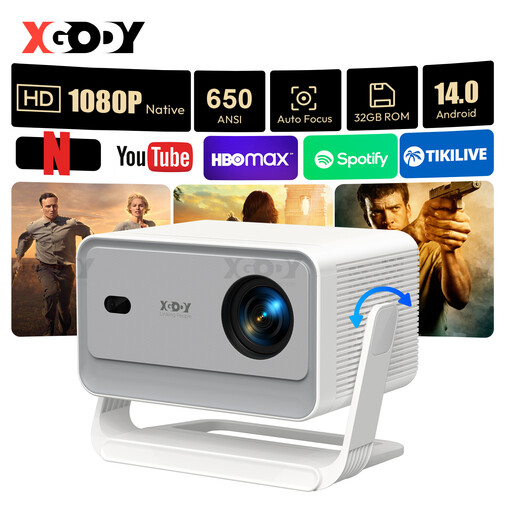
The XGODY Gimbal A6 Pro is a model that has it all?– an all-in-one, high-performance, and easy-to-use solution.
An immersive multimedia experience isn't just about the picture. To perfect your setup, here are a few well-designed accessories.

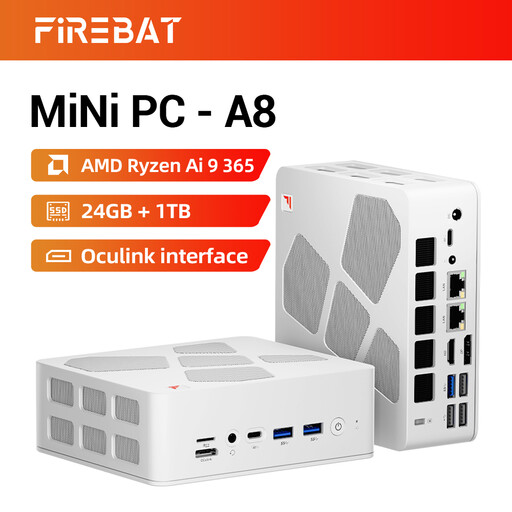
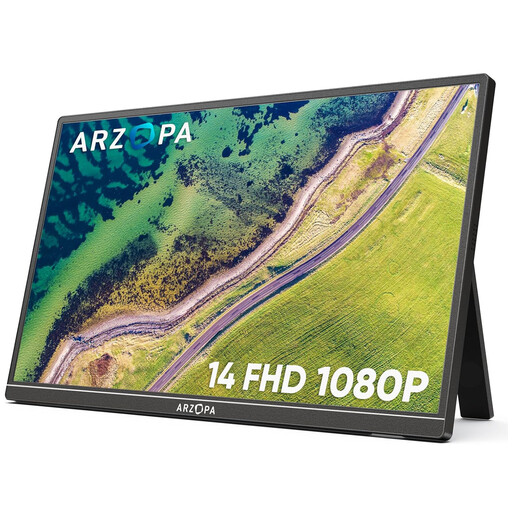
A multimedia setup often means multiple devices to plug in. To avoid a tangle of wires behind your furniture and keep your living space tidy, a good power strip is a necessity.
If you're looking for a practical solution to power your projector, smartphone, and other gadgets simultaneously, take a look at our selection of USB-A charging hubs to centralise all your connections.
Brightness is a crucial factor for image quality, especially if the room isn't completely dark. ANSI lumens are a standardised and reliable measurement because they are calculated from an average of measurements taken across multiple areas of the screen. Other mentions like "?lumens?" or "?light source lumens?" are often inflated marketing numbers and not representative of the actual brightness you'll see on screen. For an objective comparison, always rely on ANSI lumens.
It's possible, but the result will heavily depend on the ambient light and the projector's brightness. A brighter model (over 500 ANSI lumens) will perform better, but for a truly optimal experience, nothing beats a partially darkened room (by drawing the curtains, for example) to enjoy stunning contrast and vibrant colours.
Most Android projectors include screen mirroring features, such as Miracast for Android or equivalents for iOS. Typically, you just need to enable the option on the projector and your smartphone for them to connect over your Wi-Fi network. For a more stable, lag-free wired connection, a simple HDMI adapter for your phone will do the trick.