
Livraison le jour même ou le lendemain

Qualité garantie

Débloquez vos offres de bienvenue: Livraison GRATUITE | Jusqu'à -80 % | 30 jours d'essai gratuits à JoyPlus
Téléchargez l'application
The drawer of shame, filled with finicky cables. The anemic charge on your new laptop. The constant headache of navigating USB-C, Thunderbolt, and Power Delivery standards. If this sounds familiar, you've come to the right place. The promise of a universal connector has turned into an obstacle course for finding the right cable.
As the Head of Product Recommendations at Joybuy, my mission is to guide you through this jungle. This guide demystifies the technical jargon of USB-C cables and presents a selection of reliable, field-tested models, whether your goal is to power a MacBook Pro or transfer video files in a flash.
Before diving into our top picks, here are the 3 essential criteria for making the right choice and avoiding disappointment.
For a 100W USB-C cable, its ability to handle high wattage isn't an option: it's its entire purpose. Power Delivery (PD) technology is non-negotiable here. A PD 100W certified cable features an electronic chip (known as an "E-Marker") that communicates with the charger and your device to negotiate the safest and most optimal charging power. This is the essential prerequisite to supply power to the most demanding laptops, whether it's a USB-C cable for a MacBook Pro or a gaming PC. Without this certification, expect throttled charging, far from the advertised promises.
Be warned, not all USB-C cables are created equal when it comes to data transfer.
A cable is an accessory that is put through its paces daily. Opting for a braided nylon USB-C cable is a guarantee of longevity: its sheath offers much better resistance to twisting and fraying than simple plastic. Length is also a crucial comfort factor: a 2m USB-C cable will give you the flexibility to connect to a distant outlet, while a 1m model will be easier to carry for on-the-go use with a power bank.
We have selected three models that excel in their category, from raw performance to everyday durability.
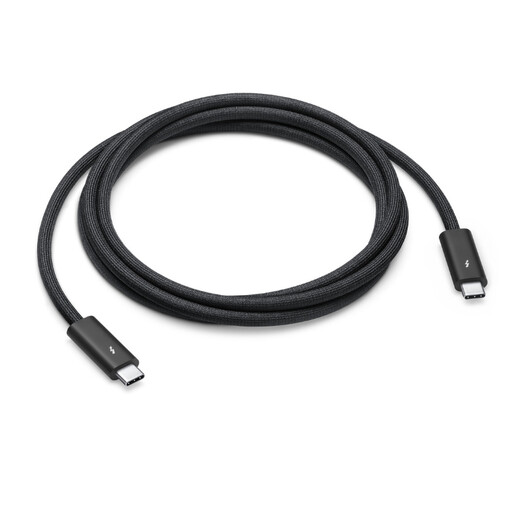
Why it stands out
This is the ultimate Swiss Army knife of connectivity. It checks all the boxes: maximum charging power of 100W, stratospheric Thunderbolt 4 transfer speeds of 40 Gbps, and support for DisplayPort video output (HBR3). Its tangle-free black braided jacket is built to last.
Pros
Who is it for? For creatives, die-hard fans of the Apple ecosystem (Mac, iPad, Pro Display XDR), and anyone who demands the absolute best for data transfer, video, and charging. Without compromise.
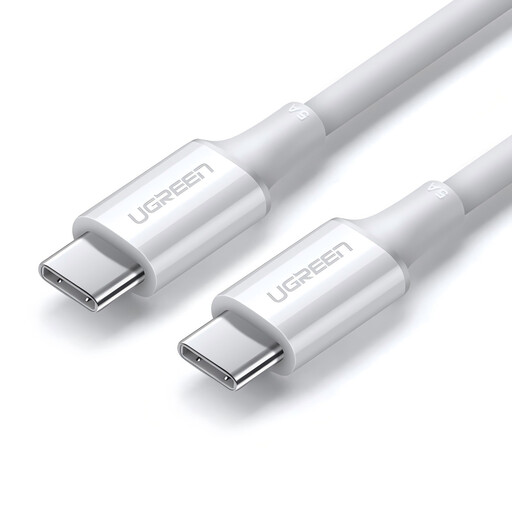
Why it stands out
This UGREEN cable gets straight to the point: delivering powerful, fast charging, period. Designed to deliver up to 100W (20V/5A), it's the ideal partner to quickly bring a laptop back to life. Its comfortable 2-meter length offers highly appreciated freedom of movement, both at the office and at home.
Pros
Who is it for? For anyone whose top priority is to charge their laptop or tablet at full speed. It's the perfect backup or secondary cable if you don't transfer large files on a daily basis.
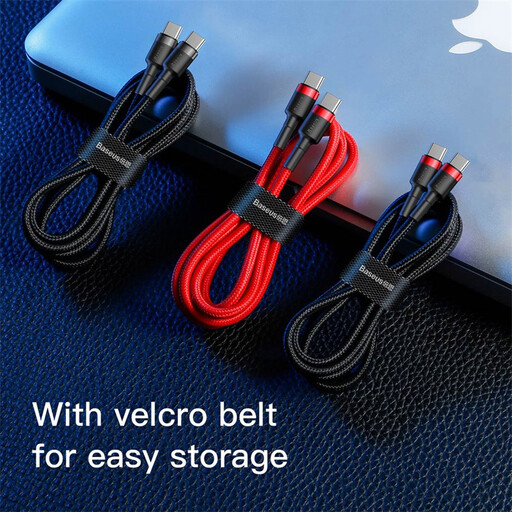
Why it stands out
The key word for the Baseus Cafule is durability. With its braided nylon sheath and reinforced aluminum connectors, it's built to withstand the test of time and rough handling. Its power is limited to 60W, but it remains a safe and durable bet for a multitude of devices.
Pros
Who is it for? For those looking for a solid and reliable daily companion to charge smartphones, tablets, and laptops that don't require more than 60W. Perfect for replacing an original cable that has seen better days.
Our selection focuses on specific use cases around the 100W power level. But the world of USB-C cables is much broader. For other lengths, specific features, or to explore the very latest standards, take a look at our complete catalog.
? Discover our full range of USB4 and USB-C cables
1. Can all USB-C cables deliver 100W? Absolutely not. This capability depends on the cable's design and the presence of an E-Marker chip. A standard, non-certified cable will cap the power at 60W or even less. It is therefore imperative to check for "100W" or "20V/5A" on the product specifications.
2. Can I use a 100W cable with a less power-hungry device, like a smartphone? Yes, without any risk. Power Delivery technology allows the entire system (charger, cable, device) to communicate and adjust the power to the exact need. Plugging a 100W cable into a phone that only accepts 25W is perfectly safe: the device will only "draw" the 25W it needs, and not a watt more.
3. What is the actual difference between a USB-C cable and a Thunderbolt 4 cable? While all Thunderbolt 4 cables use a USB-C connector, the reverse is far from true. The entire difference lies in the guaranteed performance: